Sprite Sheep - AI 2D animations
A downloadable tool for Windows
Sprite Sheep — pre-alpha 0.0.1
Sprite Sheep is a wrapper app that animates a single starting frame and outputs a consistent sprite sheet, ready to use in your game and generated entirely on your own machine.
The app uses ComfyUI as its backend and supports TI2V (text + image to video) models such as MiniMax H3 and WAN 2.2, generating sprite sheet animations up to 10 seconds long.
Sprite Sheep currently works with:
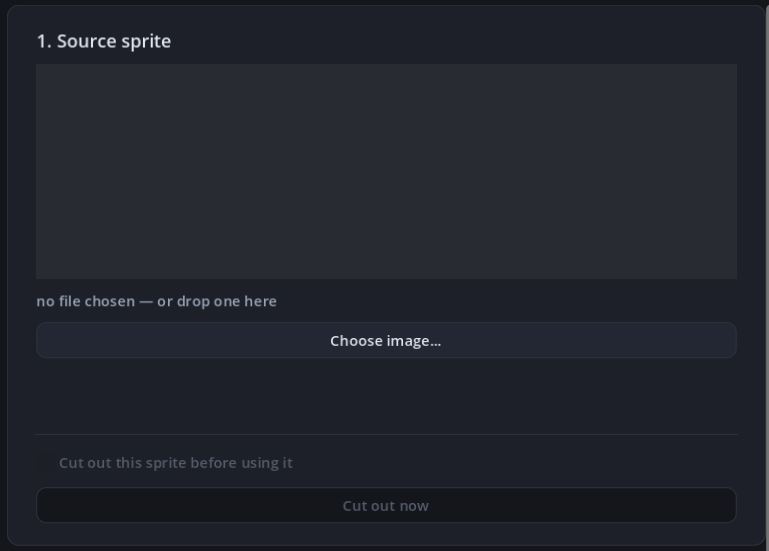
- A square image as the starting frame — the animation can be looped (first frame = last frame)
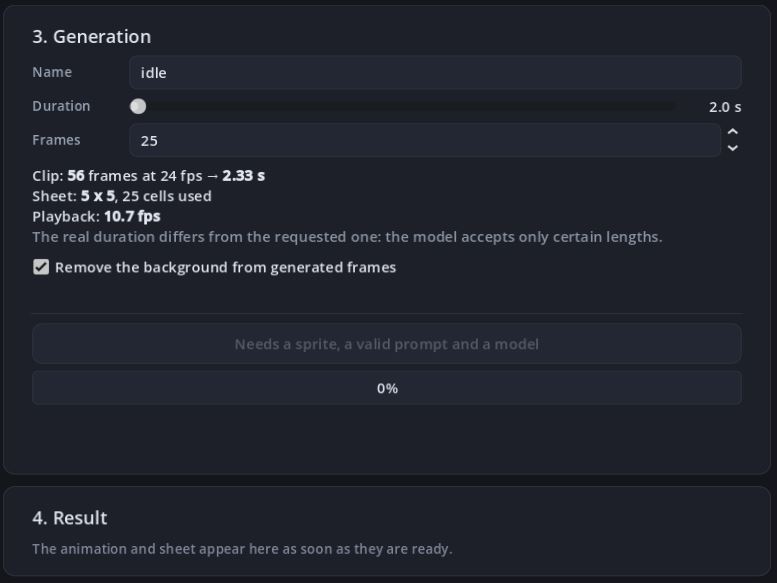
- Animation length, in seconds
- Frame count for the final sprite sheet
- Structured prompts — the app helps you write a prompt in the correct format for MiniMax H3
REQUIREMENTS
- ComfyUI
- A video generation model — MiniMax H3 recommended (download guided procedure in Settings)
- NVIDIA RTX 3050 with 8 GB VRAM or better
- 32 GB RAM (possibly less if your GPU has more than 8 GB VRAM — untested)
OUTPUT
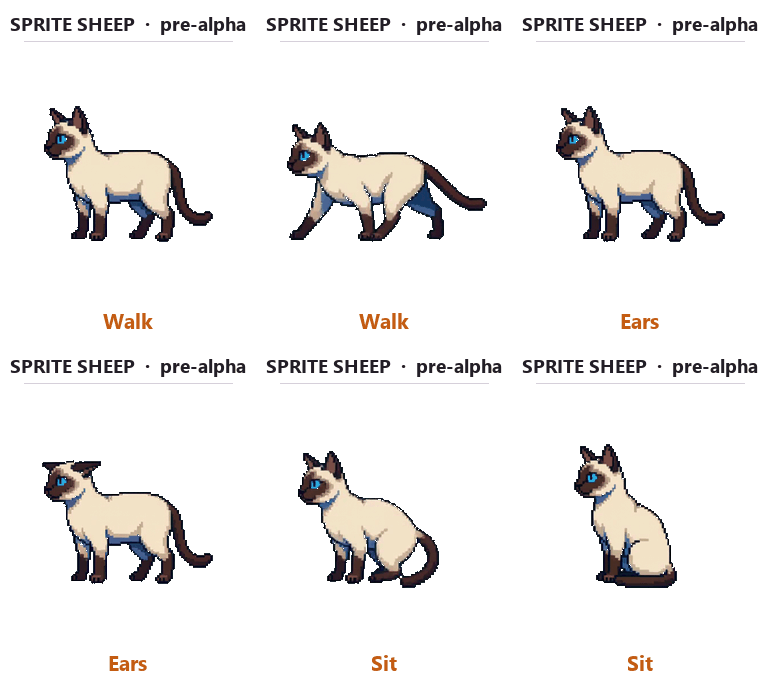
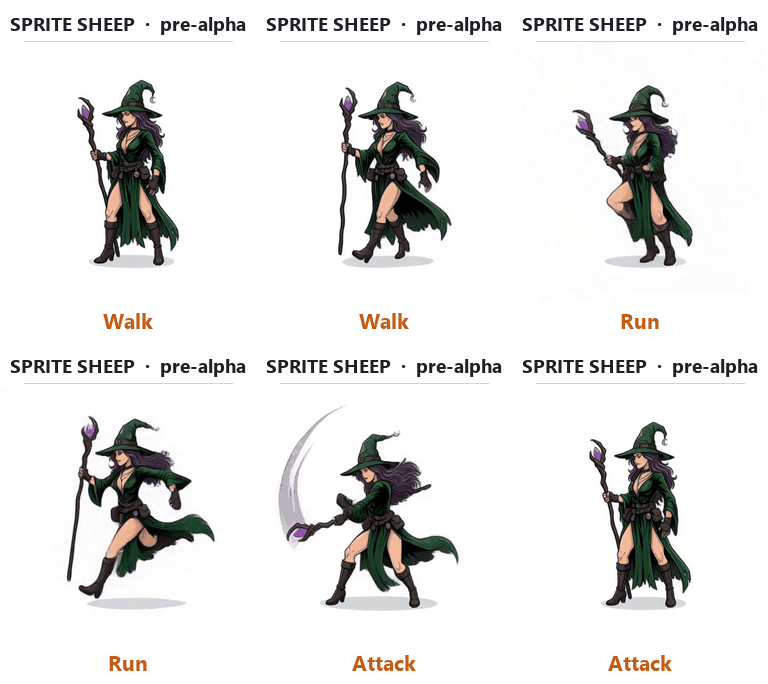
GIF and Spritesheet of animals, humans, machines, robots, etc...Try more subject as possible and give me a feedback in the comments.
LICENSE
You can use the tool for non commercial and commercial use, according to the model license, in any case credits are required.
NEXT
Support for non square images, reference to video support, style consistency support (pixelart, anime, realistic, etc...) suggestions are welcome!
Download
Development log
- 0.0.3 — the weights were never reaching ComfyUI2 days ago
- Sprite Sheep ver. 0.0.2 - Bug fixes4 days ago
Comments
Log in with itch.io to leave a comment.
Hello, similar error, downloaded the weights (for Minimax), pointed Sprite Sheep to the ComfyUI folder, but I still have "2 files not visible to ComfyUI yet"
Re-check never linked anything. The weights only got linked into ComfyUI's folder at the end of a download, or via "Select folder…". If you downloaded them before pointing Sprite Sheep at ComfyUI, neither happened — and Re-check only looked, while the text under it promised it would link. So it said "not visible to ComfyUI yet" forever.
That's also the 400. It is local, and ComfyUI did answer: it just rejected the graph, because the weights weren't in its
models/folder, so the filename wasn't among the values its loader nodes accept. Sprite Sheep was throwing away the response body, where ComfyUI explains exactly that. Now it shows the reason and names the file.Fixed in 0.0.3, just uploaded. Nothing to re-download: install it, open Settings, press Re-check once and the weights get linked in place.
(Also gone: the
<null>under every file in the Models panel.)Spectacular work :D Very impressed by the results
Thank you! If don't bother, please leave a rating :D
i have desktop version of Comfy installed and running and your soft cant see it
Could you post some screenshots of the app and setting window?
It says it required main.py in installation folder, but there is no such thing ?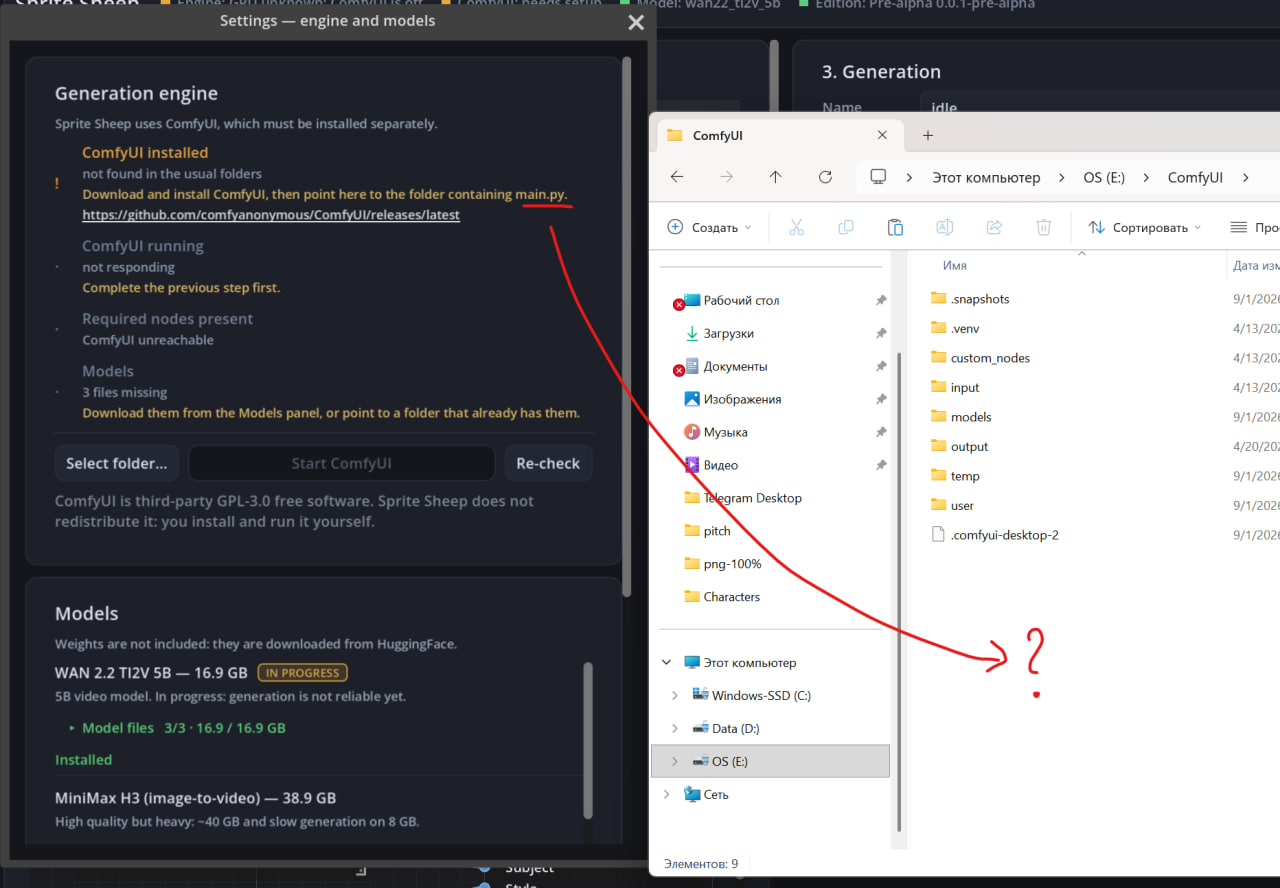
Ok, another isuue, i've downloaded all models, they are showed green, somehow it tells me 3 are missing, wtf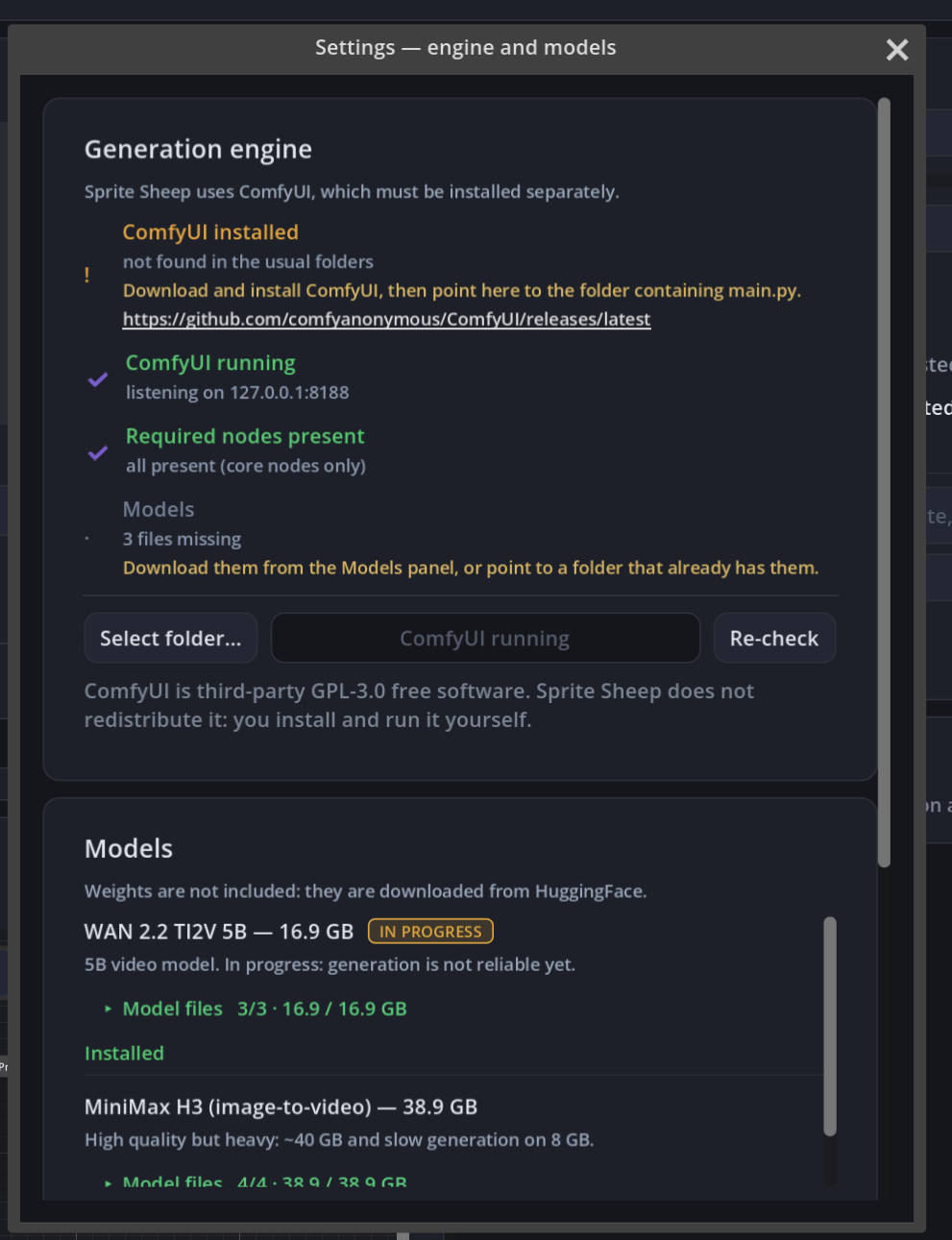
Both fixed in 0.0.2, just uploaded — thanks for catching them.
main.py: you're right, it doesn't exist in ComfyUI Desktop. Sprite Sheep was checking for the portable build's layout. Now it accepts the Desktop folder and only the "Start ComfyUI" button is disabled there, since Desktop starts from its own app.
"3 files missing": caused by the first bug. The weights are downloaded to Sprite Sheep's folder and then linked into ComfyUI's
models/, which never happened because it couldn't find your ComfyUI. On top of that, the expected file list was hardcoded to MiniMax H3 — and you had WAN selected. Now it reads the actual model you downloaded, and says "not visible to ComfyUI yet" instead of "missing".Nothing to re-download: point at your ComfyUI folder, press Re-check, and the weights get linked in place.
Hi, it brings me a little bit further, however another error: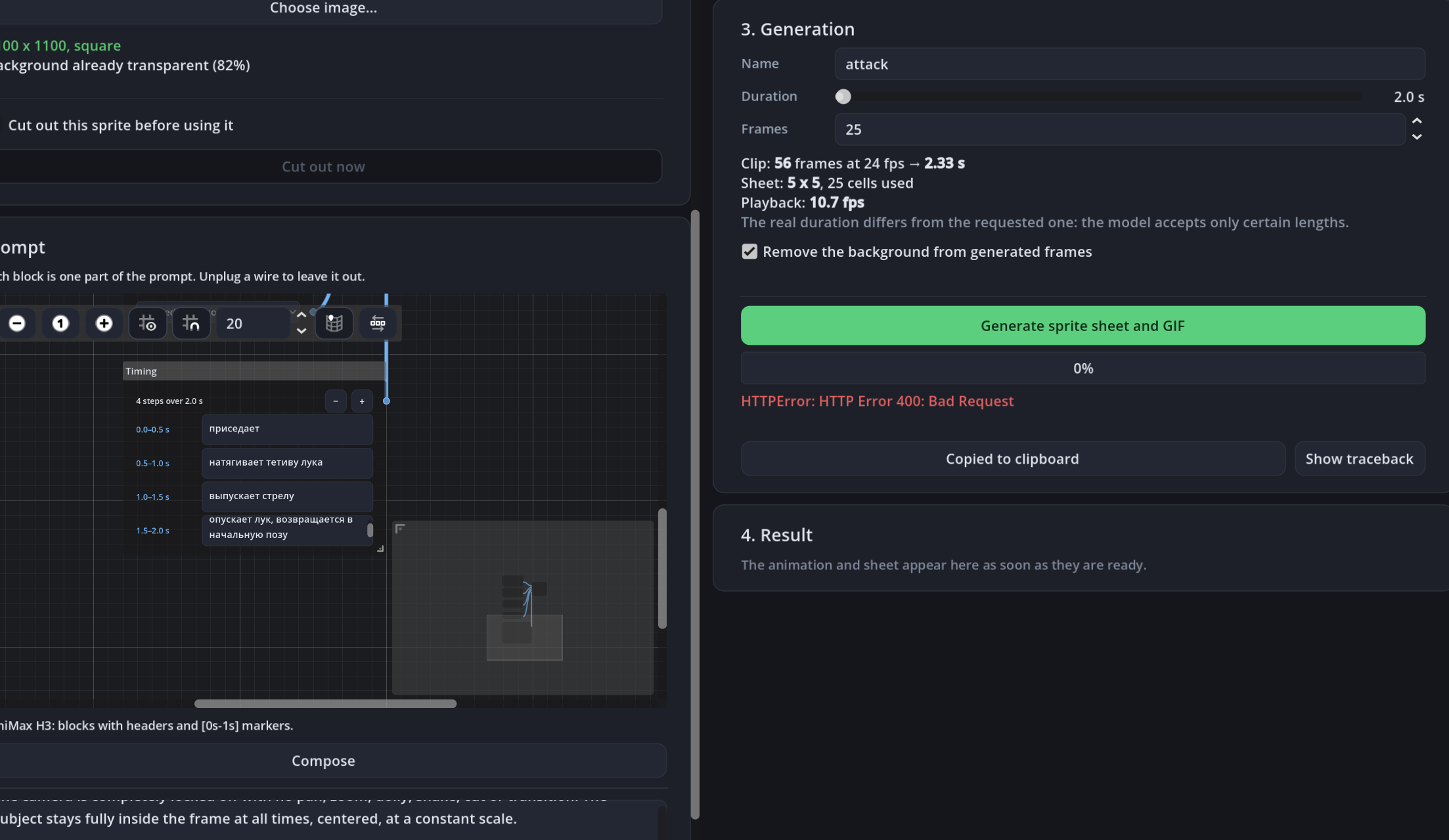
it says bad http ? where its even connecting if its local ? Attached log:
Sprite Sheep — generation error
quando: 2026-09-03T08:01:38
HTTPError: HTTP Error 400: Bad Request
request:
modello: minimax_h3_fl2va
sprite: D:/Unity Projects/AllForOne/AllForOne/Assets/Fisktak Assets/Dark Fantasy Hunters/Characters/Hunter 4.png
nome: attack
durata_s: 2.0
n_frame: 25.0
Traceback (most recent call last):
File "E:\SpriteSheep\sidecar\genera.py", line 60, in _esegui
frames = backend.genera(
^^^^^^^^^^^^^^^
File "E:\SpriteSheep\sidecar\backend\comfyui_bridge.py", line 138, in genera
r = _post("/prompt", {"prompt": grafo})
^^^^^^^^^^^^^^^^^^^^^^^^^^^^^^^^^^^
File "E:\SpriteSheep\sidecar\backend\comfyui_bridge.py", line 45, in _post
return json.load(urllib.request.urlopen(req, timeout=60))
^^^^^^^^^^^^^^^^^^^^^^^^^^^^^^^^^^^^^^^
File "urllib\request.py", line 215, in urlopen
File "urllib\request.py", line 521, in open
File "urllib\request.py", line 630, in http_response
File "urllib\request.py", line 559, in error
File "urllib\request.py", line 492, in _call_chain
File "urllib\request.py", line 639, in http_error_default
urllib.error.HTTPError: HTTP Error 400: Bad Request
Re-check never linked anything. The weights only got linked into ComfyUI's folder at the end of a download, or via "Select folder…". If you downloaded them before pointing Sprite Sheep at ComfyUI, neither happened — and Re-check only looked, while the text under it promised it would link. So it said "not visible to ComfyUI yet" forever.
That's also the 400. It is local, and ComfyUI did answer: it just rejected the graph, because the weights weren't in its
models/folder, so the filename wasn't among the values its loader nodes accept. Sprite Sheep was throwing away the response body, where ComfyUI explains exactly that. Now it shows the reason and names the file.Fixed in 0.0.3, just uploaded. Nothing to re-download: install it, open Settings, press Re-check once and the weights get linked in place.
(Also gone: the
<null>under every file in the Models panel.)Models downloaded and comfyui desktop is updated to latest and i can confirm i see the MiniMaxH3ImageToVIdeo node in it, however spritesheep still says required nodes present so it wont generate
I had the same bug in the paste and I solved it linking the 4 model nodes manually. Can you post the Setting screenshot of Sprite Sheep? It would help to solve